.png?width=200&height=60&name=Coursemojo%20logo%20(4).png)
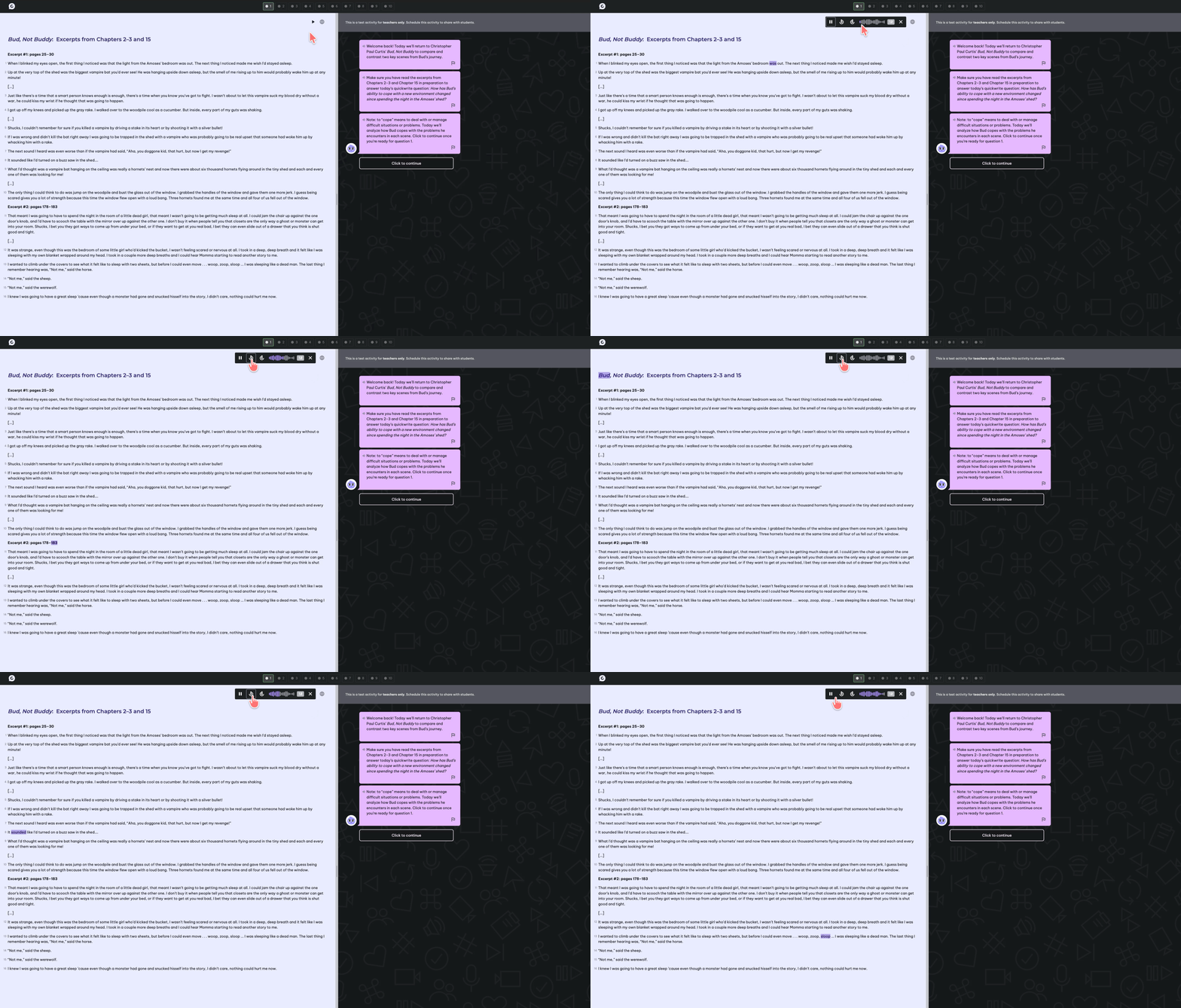
Yes! Students don't need to relisten to the whole passage. Once they press play on the read aloud feature, a soundbar appears in the reader panel that lets them move to any part of the text.
From the soundbar, students can:
- Skip back or forward: Use the skip buttons to move within the passage.
- Jump to a specific section: Tap or scroll along the soundwave bar to go directly to the part of the text they want to hear.
This makes it easy for students with accommodations to reread a specific paragraph while working through questions.
Note: Text-to-Speech must be turned on in Accessibility Settings for the section before students will see the play button.
Here's a quick look at this in action: